
Case form
Record case details in the case form and keep each case’s due date alongside them.
Clarity at every handoff.
A monthly membership for dental labs coordinating cases with clinic partners. Get access to CASE BRIDGE’s case form, file uploads, case threads, status updates and due dates.
plan$10per month for workflow access
Case files

One thread
Clear status
Workflow at a glance
The handoff
A missing shade photo or an unanswered question can interrupt a clinic-to-lab handoff. Keep the case details, attachments, questions and progress in the same case workflow.
Included tools
From the clinic's case form to the lab's status update, keep the information needed for the next handoff together.
Record case details in the case form and keep each case’s due date alongside them.
Upload case files so the lab has attachments alongside the case details.
Ask and answer questions in one thread per case, with the case details close at hand.
Keep clinic partners informed as the lab updates the case status.
How it works
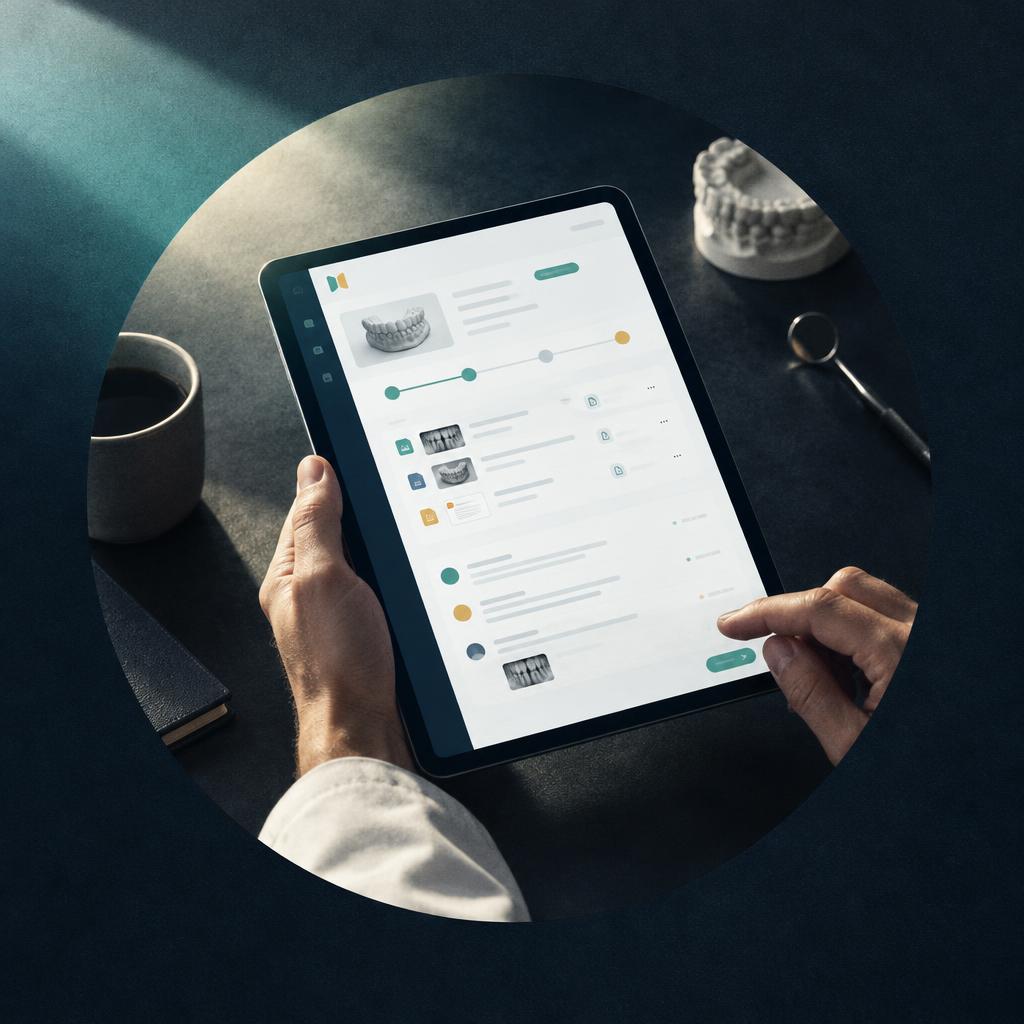
1. Use the case form to record case details and a due date. 2. Upload files and ask questions in the case thread.
3. The lab updates the case status so clinic partners can follow progress, with files, questions and the due date kept together.
Explore the detailsWorkflow details
Available now: monthly access to the case form, file uploads, case threads, status updates and due dates. CASE BRIDGE is a workflow for dental laboratories coordinating cases with clinic partners.
Use the case form and upload files to keep the information for a case together.
Ask questions in case threads and update status to keep clinic partners informed.
Keep a due date with each case alongside its details, files and conversation.

Clear case habits
Use the case form
Record case details
Set a due date
Attach scan files
Keep questions together
Update case status